Play IPTV
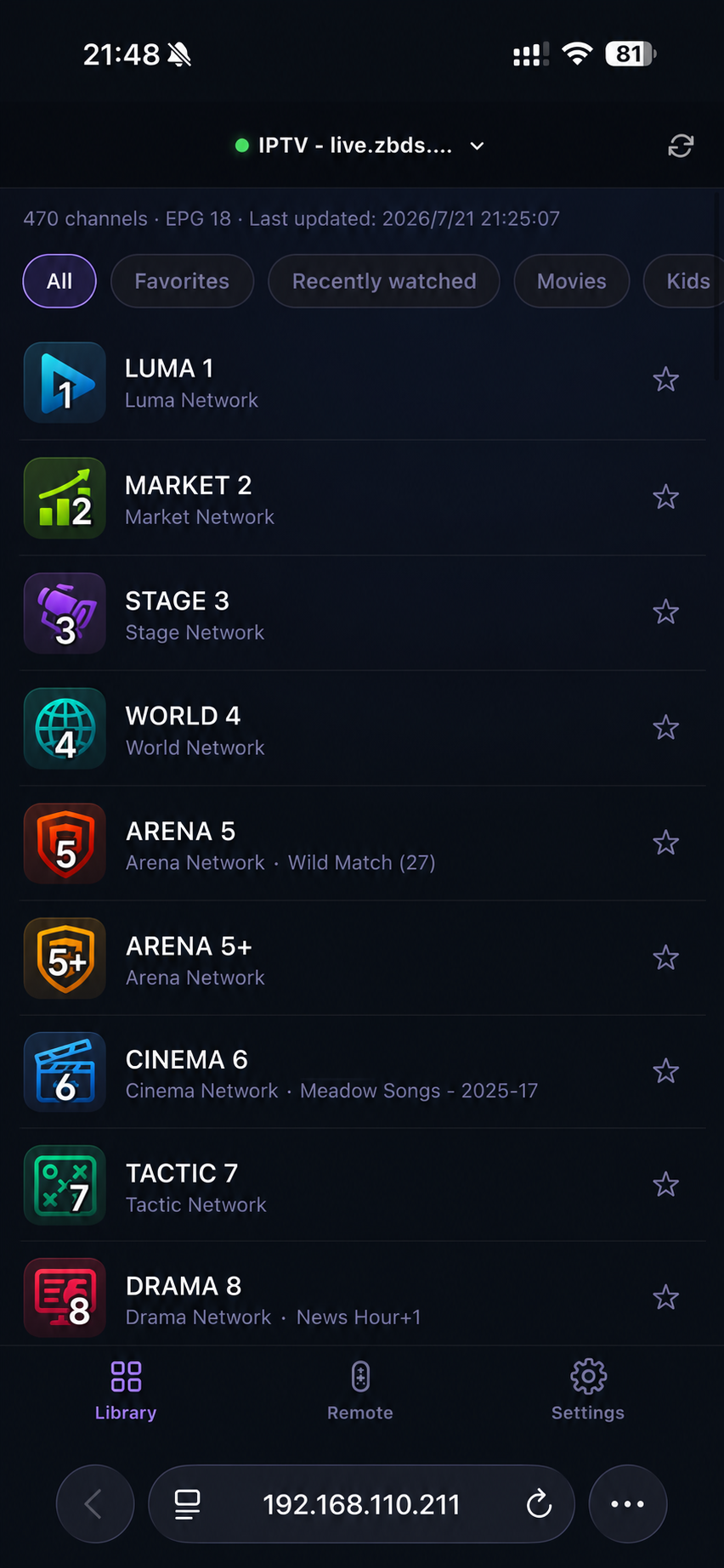
IPTV is live television delivered over the internet. TinyPlay reads an IPTV playlist, lets you browse its channels on your phone, and plays the selected channel on the computer connected to the TV. Channel switching, pause, and returning to live playback use the same remote.
How to use it
- Open TinyPlay Settings and choose Add media source.
- Select IPTV, enter the M3U or M3U8 playlist URL, and save it.
- Return to Library, choose a channel category, and select a channel.
If playback stutters
IPTV playlists differ widely in availability and stability. Stuttering, unreachable channels, or unstable picture quality usually come from the playlist itself, the channel source, or the network route — not from the TinyPlay client.
TinyPlay parses the playlist and plays the stream. When the source is unreliable, the client cannot turn it into a stable signal.