Phone casting (DLNA)
DLNA is a common casting protocol. When a player on your phone finds a compatible playback device, it can send video, music, or photos to that device.
Many phone players include a Cast button, including popular Chinese video apps.
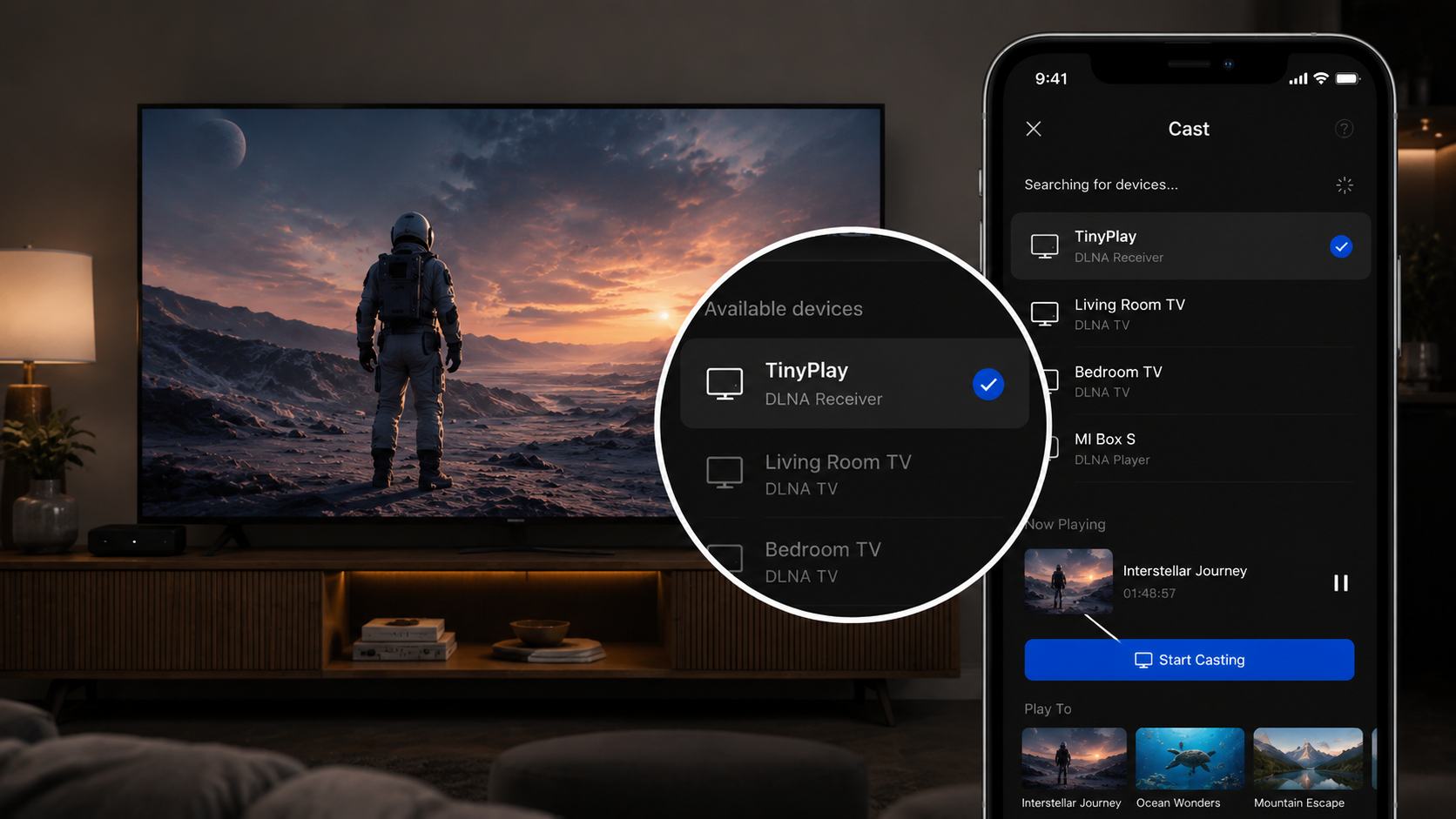
Use TinyPlay as a receiver
Windows and macOS do not normally receive DLNA casts by themselves. TinyPlay includes a DLNA receiver, so the computer connected to your TV can appear in the cast-device list after TinyPlay is installed and running.
- Make sure your phone and the computer running TinyPlay are on the same local network.
- Tap Cast in the phone player and choose the computer running TinyPlay.
- Choose a video. The computer plays it through the TV.
Playback speed
After casting over DLNA, the official app usually does not provide a playback-speed control. To change the speed, return to TinyPlay's Remote page on your phone and choose a speed there.
Notes
DLNA casting transmits the audio and video stream only. It does not support danmaku (on-screen comments) or DRM-protected content (Digital Rights Management). If a service applies DRM to a title, casting may fail to start or only unprotected material may play.
To watch videos with danmaku, or most online titles subject to copyright-protection restrictions, use Web control instead: open the website on the computer connected to the TV, then control playback from your phone. In most cases this preserves danmaku and follows the viewing permissions of the account already signed in on the computer.